
Remote IT Support for Home and Business
Expert Remote IT Support Without The Wait

AUSTRALIA-WIDE
REMOTE IT SUPPORT
/01
Technology Problems at Home or Work? We'll Fix Them Fast.
When technology stops working, productivity comes to a halt. Whether you’re dealing with a slow computer, unreliable Wi-Fi, email issues, software problems, or Microsoft 365 headaches, fast and professional Remote IT Support can get you back up and running without the wait.
Buzz A Geek provides expert Remote IT Support Australia-wide for homeowners, remote workers, and small businesses. Using secure remote access technology, our experienced technicians can quickly diagnose and resolve many issues without the need for an onsite visit, helping you minimise downtime and avoid unnecessary call-out costs.
Having supported Australians since 2010, we deliver practical solutions, friendly service, and fast response times that keep your technology running smoothly so you can focus on what matters most.
Our Remote Tech Services
Buzz A Geek provides fast, reliable Remote IT Support for homes, remote workers, and small businesses across Australia, including:
02 /
Services
Fast Remote Computer Support
Technology issues can happen at the worst possible time. Whether you’re working from home, running a small business, or simply trying to stay connected, our Remote IT Support team can quickly diagnose and resolve a wide range of computer problems without the need for an onsite visit.
From slow computers and software errors to operating system issues and user account problems, we provide fast, secure, and affordable support to get you back up and running as quickly as possible.
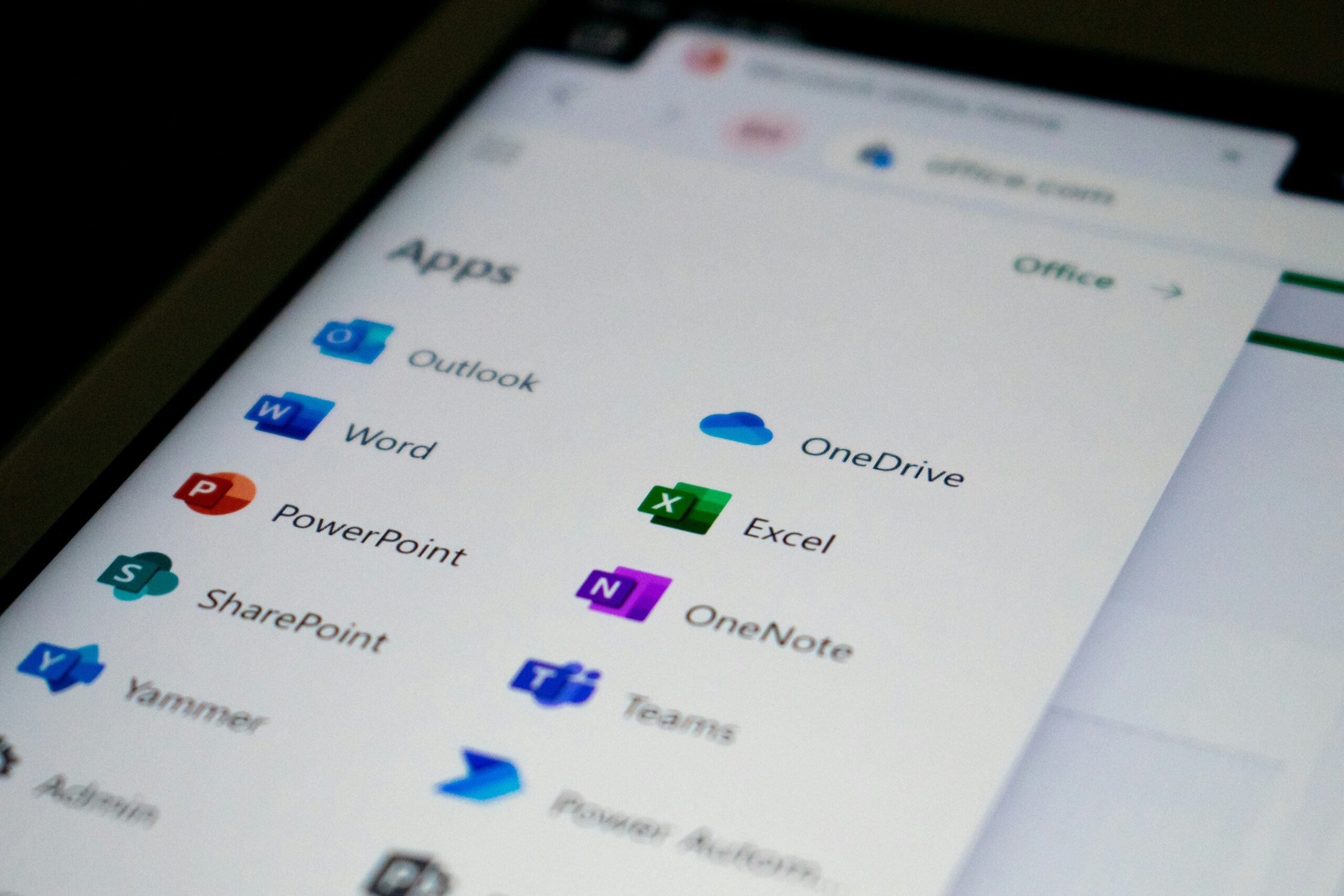
Microsoft 365 and Email Support
Email and productivity platforms are essential for both households and businesses. When Outlook won’t connect, Microsoft 365 applications stop working, or email accounts become inaccessible, productivity can come to a standstill.
Our technicians provide expert Microsoft 365 Support, including email setup, troubleshooting, account management, synchronisation issues, licensing assistance, and security configuration to keep you connected and productive.
Remote Wi-Fi and Network Troubleshooting
Poor Wi-Fi coverage, slow internet speeds, and unreliable network connections can impact everything from video calls to business operations. Our team can remotely assess your network configuration and identify many common connectivity issues.
Whether you’re working from home or supporting multiple users in a small business, we provide expert Wi-Fi Support and network troubleshooting to improve performance, reliability, and coverage throughout your premises.
Software Installation and Configuration
Installing new software isn’t always as straightforward as it should be. Compatibility problems, licensing issues, configuration errors, and update failures can quickly become frustrating.
We provide Remote Software Support for a wide range of applications, helping ensure programs are installed correctly, configured properly, and operating as intended across your devices.
Malware Removal and Cybersecurity Support
Cybersecurity threats continue to target both home users and businesses. Viruses, malware, phishing attacks, and suspicious system behaviour can put your personal information or business data at risk.
Our Cybersecurity Support services help identify and remove threats, strengthen device security, improve system protection, and provide practical recommendations to reduce the risk of future incidents.
Printer and Device Connectivity Support
Printers, scanners, webcams, and other connected devices often stop working without warning. Connectivity problems can impact productivity, especially when working remotely or managing a busy office.
Our remote technicians can troubleshoot device configuration issues, driver problems, printer errors, and network connectivity concerns to help restore functionality quickly and efficiently.
Managed IT Services and Ongoing Support
For customers looking for more than occasional assistance, our Managed IT Services provide ongoing support, proactive maintenance, and access to experienced technicians whenever help is needed.
Whether you’re a growing small business or a home user who relies heavily on technology, a managed support plan can help reduce downtime, improve security, and ensure technology continues to support your goals rather than disrupt them.
Backup, Cloud, and Data Protection Solutions
Losing important files can be devastating for both families and businesses. From accidental deletion to hardware failure and cyberattacks, data loss can occur when you least expect it.
We help customers implement reliable Cloud Backup Solutions, configure file synchronisation services, and establish data protection strategies that help safeguard important documents, photos, and business information.


03 /
WhY US
Why Choose Buzz A Geek?
Supporting Australians Since 2010
Fast Response Times
Remote First, Onsite When Required
Professional IT Help From Anywhere
Affordable & Transparent Pricing
Happy Clients — And Counting
Remote Support Sessions Completed
Tech Wins Australia-Wide
How Remote IT Support Works
04 /
PROCESS
Call us on 1300 738 570 or fill out the contact form below.
We’ll direct you to our secure Download Page to install the right remote support tool for your device.
We connect to your device and fix the issue while you watch.
Ask questions anytime!
Once fixed, we uninstall the remote software and process payment over the phone.
You’ll receive a receipt instantly.
Frequently Asked Questions
Who is our Remote IT Support for?
Our Remote IT Support service is ideal for home users, small businesses, remote workers, and organisations that need fast technical assistance without waiting for an onsite technician. Whether you’re struggling with software issues, email problems, printer connectivity, Microsoft 365 support, cybersecurity concerns, or general computer troubleshooting, our experienced technicians can often resolve the issue remotely in a fraction of the time of a traditional call-out.
For businesses, remote support provides access to an experienced IT team whenever assistance is needed, helping minimise downtime and keep staff productive. For home users, it’s a convenient and affordable way to get expert help without disconnecting equipment or transporting devices.
What are the benefits of having IT problems solved remotely?
The biggest advantage of Remote IT Support is speed. Our technicians can connect to your device securely and begin diagnosing problems almost immediately, reducing downtime and eliminating travel delays.
Remote support is also highly cost-effective. Because there are no travel expenses or call-out fees involved, many issues can be resolved faster and at a lower cost. Customers benefit from quicker resolutions, minimal disruption, and access to experienced support whenever technical problems arise.
How does remote IT support work?
Getting help is simple:
- Contact us: call 1300 738 570 or fill in our contact form and tell us what is going wrong.
- Agree on a plan: your technician explains what is involved and the likely cost before any work starts.
- Connect securely: download our remote support app from the Start a Remote Support Session page, then approve the connection.
- Watch us fix it: your technician views and controls your device with your permission, fixes the problem while you watch and ask questions, then disconnects once you are happy everything is working.
What is the normal turnaround time?
Remote support is usually the fastest way to get help, because there is no travel involved. We can often connect the same day, and for urgent problems sometimes within the hour, during business hours (Monday to Friday, 9am to 5pm AEST).
Many common problems, such as email issues, error messages, printer problems or a slow computer, are fixed in a single session. Larger jobs, like setting up a new computer or recovering from a virus, may take longer, and your technician will give you an estimate before starting.
What IT problems can you fix remotely?
Our technicians can assist with a wide range of remote services, including:
- Microsoft 365 Support
- Email troubleshooting and setup
- Software installation and configuration
- Computer performance optimisation
- Malware and virus removal
- Printer troubleshooting
- Remote user support
- Windows and macOS support
- Wi-Fi and network troubleshooting
- Backup and cloud storage configuration
- Cybersecurity advice and protection
Many issues that traditionally required an onsite visit can now be resolved entirely through remote assistance. Physical faults, such as a cracked screen, a failed hard drive or a dead power supply, still need a hands-on repair, but we can usually diagnose them remotely first so you know what you are dealing with.
What if my problem can’t be fixed remotely?
If your technician finds the problem needs hands-on work, such as a hardware fault or a network that needs cabling, we will explain why and talk you through the options. We can book an onsite computer technician to visit your home or business anywhere in Australia, and you will know the cost before we come, with no hidden fees.
Can you help with my phone or tablet remotely?
Yes. Our remote support app works on Android phones and tablets, and on iPhone and iPad. On Android we can usually view and control the device. On iPhone and iPad, Apple only allows screen sharing, so we can see your screen and guide you step by step while you tap. This works well for email setup, app problems, settings and account issues.
What other issues can you help us with?
In addition to general technical support, we can assist with Cybersecurity, data protection, business continuity planning, cloud migrations, Microsoft 365 management, backup solutions, network troubleshooting, VPN connectivity, and user training.
If your issue involves technology, there’s a good chance we’ve seen it before. Even if you’re unsure which service you need, our team can discuss the problem and recommend the most appropriate solution.
My device isn't connected to the internet. Now what?
While most Remote IT Support sessions require an internet connection, there are still several options available. If another device can access the internet, we may be able to provide guidance over the phone or through an alternative connection method.
If the issue relates to your modem, router, Wi-Fi network, or internet service, we’ll help identify the cause and walk you through troubleshooting steps. If remote access isn’t possible, we can arrange onsite assistance where required.
I need priority service. Still apply to support?
We understand that some technical issues simply can’t wait. If your business is experiencing a critical outage, cybersecurity incident, server failure, or other urgent issue, we offer Priority IT Support options designed to deliver rapid assistance and minimise business disruption.
Our team will assess the urgency of the situation and prioritise resources accordingly to help restore services as quickly as possible.
Do you offer subscriptions?
Yes. We offer flexible Managed IT Services and support subscriptions for businesses that require ongoing assistance, proactive monitoring, cybersecurity protection, regular maintenance, and access to expert IT support when needed.
A support subscription provides peace of mind by giving your business access to a dedicated IT partner focused on preventing problems before they impact productivity. Many customers find that proactive support reduces downtime, improves security, and lowers overall IT costs over the long term.
How much does remote IT support cost?
Remote IT support is $45.00 per 15 minutes, including GST, so you only pay for the time it takes to fix your problem, not a full hour. There are no call-out fees, no travel time and no lock-in contracts.
Before any significant work starts, your technician will explain the likely cost so you can make an informed decision. Payments can be made securely by Visa or Mastercard. Ongoing support is also available through our managed IT services plans.
Get In Touch
- No call-out fees in our service areas
- Experienced local technicians
- 30-day money-back guarantee